
What is the ideal computer setup?
I’m glad you asked! We receive this question quite a lot so decided to make a blog post about it. The Ideal computer Setup
FAQ · The Ideal Computer Setup
The ideal computer setup for a business user pairs an appropriately specified PC or laptop with dual monitors, ergonomic peripherals, and a stable, wired network connection where possible, tailored to the specific tasks the person performs rather than a single one-size-fits-all specification.
What 'ideal' depends on
There is no single correct computer setup for every role. A member of staff working mainly in email and Microsoft 365 documents has very different needs to someone running design software, financial modelling, or heavy multitasking across several applications at once. The starting point is always the actual work being done, not a generic hardware list.
Common elements that improve most setups
- Dual monitors as a baseline — consistently shown to improve productivity for anyone working across multiple documents or applications.
- A processor and memory specification matched to the workload, not just the cheapest available option.
- A stable, ideally wired, network connection, since wifi instability affects everything from file access speed to VPN reliability.
- Ergonomic peripherals — keyboard, mouse and monitor positioning — to reduce strain over a full working day.
How Fresh Mango helps
Fresh Mango Technologies assesses individual roles and specifies computer setups accordingly, rather than issuing the same standard configuration to every desk regardless of what the person actually does.
Frequently asked questions
Is a second monitor really worth the cost?
For most office roles, yes — the productivity gain from reduced window-switching and easier multitasking is well established and typically pays for the hardware quickly.
Should everyone in the business have the same computer specification?
No — standardising on a single specification is administratively simpler but often over-specifies for basic roles and under-specifies for demanding ones; matching spec to role is more cost-effective overall.
Does the ideal setup differ for hybrid or remote workers?
Yes — home setups need particular attention to network stability and secure remote access (typically via VPN), which is less of a factor for an on-site desk.
Related services and guides
Practical advice, no obligation
Want the right setup for every desk in your business?
Fresh Mango Technologies specs computer setups to match each role, not a generic standard.
Explore more in Computers & Hardware
Business laptops, desktops, servers, peripherals and repairs — plus the online store.
View the Computers & Hardware hub
More in Computers & Hardware
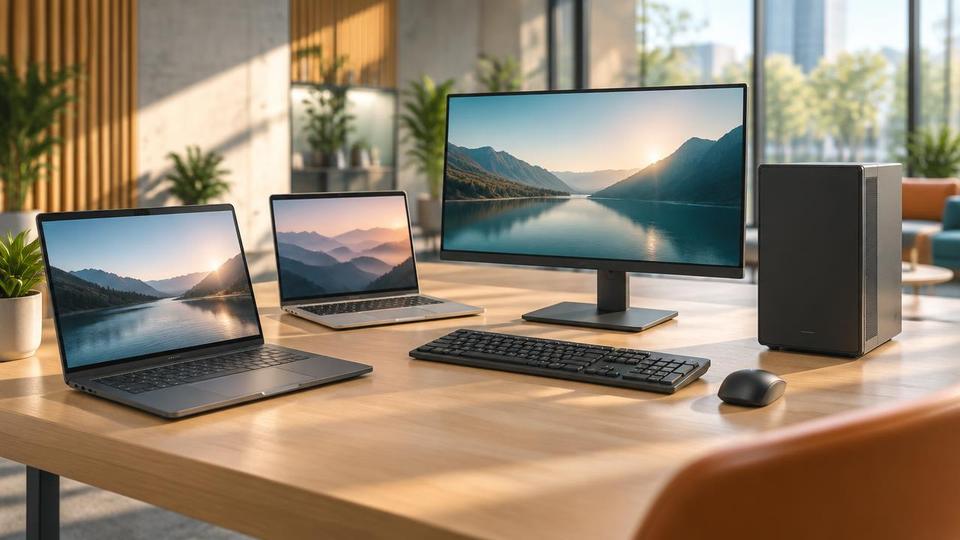 Computers & HardwarePC's and laptops for Sale from Fresh Mango BVIPCs and laptops for Sale from the BVI specialists, Fresh Mango stock, supply and install all models of PCs. Delivered and ready...Learn more
  Computers & HardwarePC Repair CentreComputer Repair centre at Fresh Mango BVI - for all your computer repair requirements. Professionally equipped lab, highly trained techsLearn more
 - Computers & HardwareIT ProductsComputer Equipment from Fresh Mango include computers, PCs, UPS, Laptops, business servers, computer peripherals...Learn more
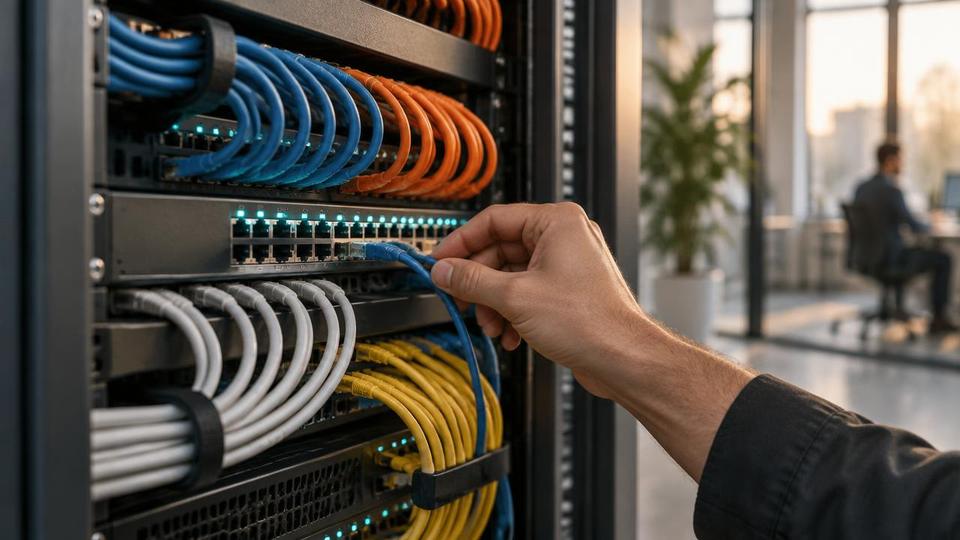 Computers & HardwareServersFresh Mango are experts in all aspects of Computer Servers. We can help you choose the best server for your business...Learn more
 - Computers & HardwareComputer PeripheralsComputer Peripherals are an integral and essential element of any workstation setup. Get yours at Fresh Mango Technologies!Learn more
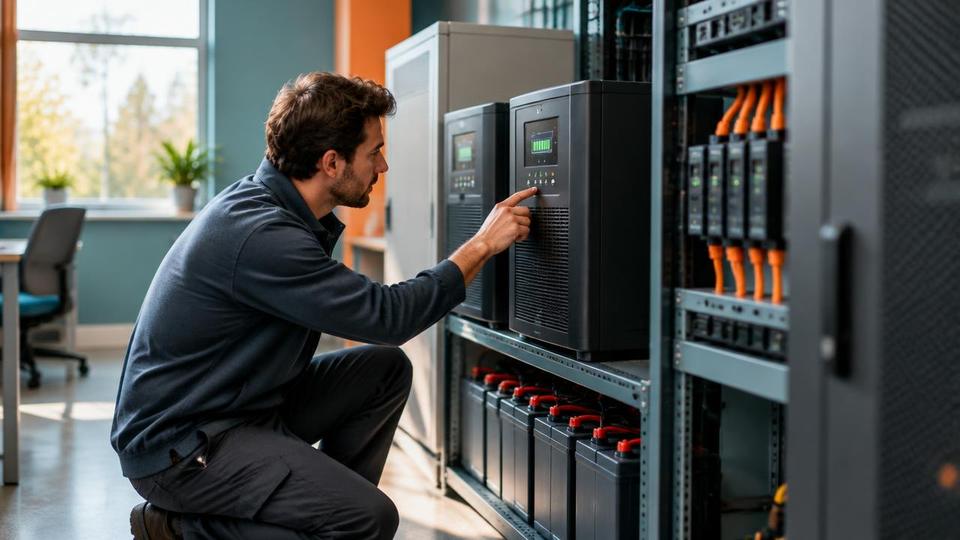 Computers & HardwarePower ProtectionBVI Power protection products are essential for your computer, laptop and server. "Dirty" power, power spikes & power...Learn more
Related resources
- GuideThe Ideal computer setup from Fresh Mango Technologies (Part 2)The ideal setup for your business IT systems. It shows best practices for small/medium businesses, with an eye on cyber security.Learn more
- GuideThe Ideal computer setup from Fresh Mango Technologies (Part 3)In this blog I will set out the ideal setup for your business IT systems. It represents current best practice for small and...Learn more
- GuideThe Ideal setup for your IT Systems (Part 1)In this blog, I will set out the ideal setup for your IT systems. It represents current best practices for small and medium-sized businesses.Learn more
 GuideUniFi WifiUniFi Wifi products are industry-leading hardware in the field of home and business Wifi. There are products to suit every Wifi requirement.Learn more
Related questions
- FAQWhat is Patching and why do I need it on my computer?Patching is another word for updating your operating systems on your server, PCs, Laptops and Macs. It even applies to your smartphone and tablets.Learn more
- FAQWhat hardware do you recommend?We have a vast range of hardware recommendations for our equally diverse range of clients. See our specific recommendations here.Learn more
- FAQShould I turn my computer off when I leave the office?We’re often asked if its best to switch your computer off every day. Our answer is ‘no’, and we recommend leaving PCs switched on. Read more on our Blog.Learn more
- FAQWhat kind of PC do I need for home?What kind of PC do I need for home? There's a huge variety of computers and specifications, and really the question comes down to your budget and usageLearn more
Related reading
- Article21 Aug 2026Should You Repair or Replace Your Business Laptop? A 2026 Guide for BVI BusinessesShould you repair or replace your business laptop? Learn how BVI businesses can compare repair costs, downtime, security and replacement options.Read article
- Article13 Jan 2026Gaming ComputersChoosing a bespoke, custom-built gaming computer offers significant advantages over buying a mass-produced system.Read article
- Article16 Aug 2023Fortinet RoutersHigher-specification Fortinet Routers provide access to Next-generation firewalls. These filter network traffic to protect an organizationRead article
Not sure which Computers & Hardware option fits your business?
Contact Fresh Mango