
What’s the best way to back up my systems?
We recommend Neovault, a proven disaster recovery backup tool as the best way to back up your system in a modern IT enviroment.
FAQ · Backup Strategy
The best way to back up business systems is a combined local-and-cloud approach: a local backup protects against internet outages, while a cloud backup protects against hardware failure or a local disaster, and together they cover the two failure modes a single method cannot.
Why one backup method alone is not enough
A local-only backup — an external drive or a second on-site device — is fast to restore from but is destroyed alongside the original equipment in a fire, flood, theft or hardware failure that affects the whole office. A cloud-only backup depends entirely on internet connectivity, which in the British Virgin Islands can be interrupted during storms or outages exactly when a fast restore is most needed.
Running both closes that gap: local backups run at least daily for quick recovery of accidentally deleted files, and cloud backups run nightly at the server level as a disaster-recovery layer.
What a proper cloud backup includes
- Image-level backup of the operating system and applications, not just data files, so a full server can be rebuilt quickly.
- End-to-end encryption in transit and at rest.
- Retention that allows recovery of files from before a ransomware infection was noticed, not just the most recent copy.
- Regular, verified test restores — a backup that has never been restored is not a proven backup.
How Fresh Mango helps
Fresh Mango Technologies configures local backup drives for servers and PCs and deploys NeoVault, a disaster-recovery-grade cloud backup platform, as the offsite layer for businesses across Tortola and Virgin Gorda. NeoVault images entire systems rather than only copying files, giving faster, cleaner recovery than plain file storage.
Frequently asked questions
Is a local backup drive on its own good enough?
No. It protects against accidental deletion or a single failed disk, but not against fire, theft, flood or a ransomware infection that also encrypts attached drives. It needs to be paired with an offsite cloud backup.
How often should backups run?
Local backups should run at least daily; cloud backups should run nightly at the server level so a full day's work is never at risk.
How do I know my backup actually works?
Only a completed test restore confirms this. A backup job reporting "success" tells you the copy process ran, not that the data is recoverable — ask your IT provider how often restores are actually tested.
Related services and guides
Practical advice, no obligation
Not sure your backups would actually recover?
Fresh Mango Technologies can review your current backup setup and put a tested local-and-cloud strategy in place.
Explore more in Cloud & Backup
Cloud servers, hosted desktops, offshore backup and disaster recovery.
More in Cloud & Backup
 Cloud & BackupFresh Mango’s Guide to On-premises (physical) servers and Cloud serversWe have written a guide on physical (on-premises) servers and cloud servers, with their pros and cons. See which is right for your business.Learn more
  Cloud & BackupHosted DesktopsHosted Desktops (also known as Desktop as a Service or DaaS) provide your users with a familiar Microsoft Windows environment on a virtual desktop.Learn more
 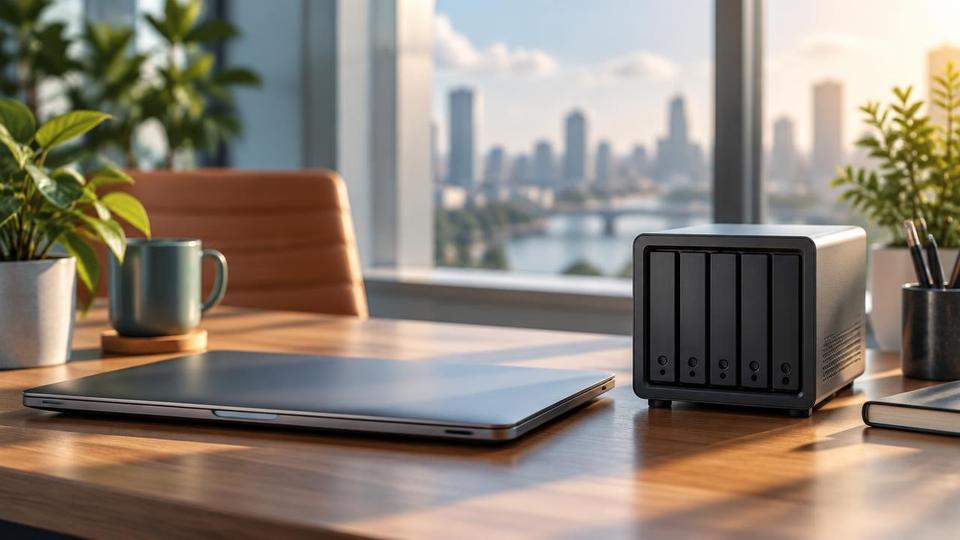 Cloud & BackupThe importance of BackupsDo you backup your data? Do you check it? How confident are you that you could restore your data in the event of a data loss?Learn more
 - Cloud & BackupOffshore Data BackupCloud backup service from Fresh Mango suitable for offshore backup - Ideal solution for companies who wish to backup...Learn more
- Cloud & BackupCloud to Cloud BackupCloud Backup is increasing in importance as more businesses move their data to the Cloud. Fresh Mango recommends the best solutions.Learn more
- Cloud & BackupSign Up for a NeoVault AccountSign up for a neovault account on fresh mango technologies BVI. neoVault is an online-based disaster recovery solution. Depending on your...Learn more

Related questions
- FAQShouldn’t I just get a Cloud server?It’s all the rage so why not? Well, when considering getting a cloud server, it needs careful deliberation of how you operate your business.Learn more
- FAQI have Dropbox so that means I have Cloud Backup right?This is a common misconception. Storing your files in the Cloud with a cloud storage provider such as Dropbox, OneDrive, Google Drive etc is NOT a cloud backup. It’s simply storage and is not backed up (unless you have made...Learn more
- FAQWhat are the main differences between on premises and cloud servers?What are the main differences between on premises and cloud servers? We’ve written a blog piece about this to tell you more.Learn more
- FAQShould I buy a Server or Nas box?Should I buy a Server or Nas box? Well, as with so many things in IT (and life), it depends! There are several considerations, here is a useful breakdown.Learn more
Related reading
- Article10 Jul 2026Looking for Reliable Backups? (The 3-2-1 Rule)Wondering if your data is actually safe? Learn the 3-2-1 backup rule and how NeoVault offshore cloud backup gives BVI businesses bulletproof protection.Read article
- Article28 Apr 2026Do You Really Need Offline Backups? The Truth About Protecting Your Data in 2026It is a fair question to ask: Do you really need offline backups anymore?The short answer is: Yes, more than ever.Read article
- Article19 Jul 2019Backing up and protecting your data - the basicsI was asked at a networking meeting recently for recommendations on best practice for backing up a laptop. It was in the context of an...Read article
Not sure which Cloud & Backup option fits your business?
Contact Fresh Mango