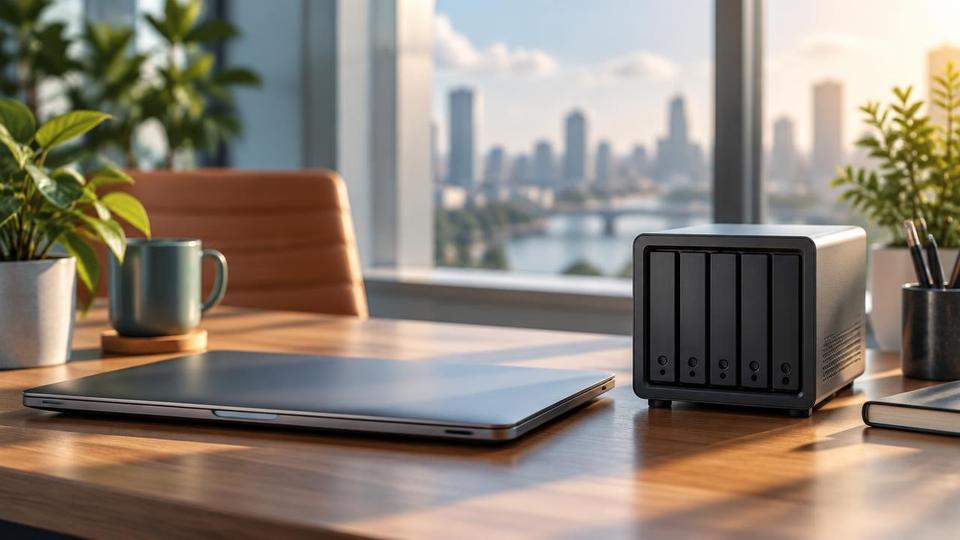
An ageing on-site server nearing end of life
Assess whether the workload can move to Microsoft Azure or Microsoft 365 rather than buying like-for-like replacement hardware.
We have written a guide on physical (on-premises) servers and cloud servers, with their pros and cons. See which is right for your business.
Physical, Virtual and Cloud Servers · 2026 Guide
Physical, virtual and cloud servers are three different ways of running the systems a business depends on: physical servers are dedicated hardware on-site, virtual servers split one physical machine into several logical ones, and cloud-hosted servers run on infrastructure such as Microsoft Azure that a business does not own.
This guide sits alongside the main Cloud Solutions hub at /cloud-server/, which covers Microsoft 365, SharePoint, OneDrive, Microsoft Teams, Azure, cloud storage, backup and hybrid working in full. Use this page to understand the physical-versus-virtual-versus-cloud decision itself; use the hub to see how Fresh Mango delivers the resulting solution.
A physical server is a dedicated computer, owned by the business, running in an office or a local data centre. It gives full control over hardware and data location but carries the full cost and risk of ownership: purchase price, power, cooling, backup, replacement and physical security.
A virtual server runs as software inside a physical machine, sharing that hardware with other virtual servers. Virtualisation is normally used to get more value from physical hardware, whether that hardware is on-site or in a data centre, and is a stepping stone rather than an end state on its own.
A cloud-hosted server, such as a Microsoft Azure virtual machine, is a virtual server running on infrastructure owned and maintained by a cloud provider. The business pays for consumption rather than owning hardware at all, and gains built-in resilience across multiple data centres.
Fresh Mango Technologies assesses what a server is actually being used for — applications, storage, backup, remote access requirements — before recommending a model. In most cases the practical outcome for a BVI business today is a mix: everyday work through Microsoft 365, a specific workload hosted in Microsoft Azure where needed, and a physical device retained only where there is a genuine reason to keep one.
The full range of cloud services, Microsoft 365, Azure, backup and hybrid working options is set out on the Cloud Solutions hub.
| Consideration | On-premises (physical/virtual) | Cloud-hosted (Microsoft Azure) |
|---|---|---|
| Ownership | Business owns and maintains the hardware | Provider owns the hardware; business rents capacity |
| Upfront cost | Capital purchase, plus power, cooling and space | No hardware purchase; ongoing consumption billing |
| Hurricane resilience | Dependent on the physical office or data centre | Runs outside the direct physical risk to the island site |
| Replacement lead time | Constrained by shipping and supply to the BVI | Capacity adjusted immediately, no physical delivery |
| Control over data location | Complete — data stays where the hardware sits | Dependent on the cloud region and provider configuration |
Assess whether the workload can move to Microsoft Azure or Microsoft 365 rather than buying like-for-like replacement hardware.
Identify which systems still depend on physical, on-island hardware and reduce that dependency where practical.
Keep it running on-premises or virtualised, while backup and disaster recovery still use cloud infrastructure.
Not always — cloud consumption costs can exceed the cost of owned hardware for a stable, predictable workload run over several years. Cloud hosting tends to win on avoided capital cost, faster scaling and resilience, which is why the right comparison looks at total cost and risk, not price alone.
Yes, and most BVI businesses already do — Microsoft 365 for everyday work, a physical or virtual server for a specific application, and cloud backup for disaster recovery. A mixed environment is normal rather than a compromise.
A server nearing the end of its supported life, running out of capacity, or increasingly hard to source parts for is the trigger to review options, ideally through a health check that looks at the workload, not just the hardware age.
Microsoft 365 already covers most of what a general-purpose office server used to do — file storage through SharePoint and OneDrive, email through Microsoft Exchange. Azure is the cloud-hosted option when a specific application or virtual machine workload still needs a server.
Practical advice, no obligation
Book a free 30-minute consultation and get a clear recommendation based on what your server actually runs, not a generic cloud-first sales pitch.
Cloud servers, hosted desktops, offshore backup and disaster recovery.
 Cloud & BackupHosted DesktopsHosted Desktops (also known as Desktop as a Service or DaaS) provide your users with a familiar Microsoft Windows environment on a virtual desktop.Learn more
  Cloud & BackupThe importance of BackupsDo you backup your data? Do you check it? How confident are you that you could restore your data in the event of a data loss?Learn more Cloud & BackupOffshore Data BackupCloud backup service from Fresh Mango suitable for offshore backup - Ideal solution for companies who wish to backup...Learn more Cloud & BackupCloud to Cloud BackupCloud Backup is increasing in importance as more businesses move their data to the Cloud. Fresh Mango recommends the best solutions.Learn more
  Cloud & BackupSign Up for a NeoVault AccountSign up for a neovault account on fresh mango technologies BVI. neoVault is an online-based disaster recovery solution. Depending on your...Learn more Cloud & BackupManaged Co-Location HostingFresh Mango's managed co-location service provides a server as your own BVI-based ‘cloud’ server or as a backup...Learn more Article10 Jul 2026Looking for Reliable Backups? (The 3-2-1 Rule)Wondering if your data is actually safe? Learn the 3-2-1 backup rule and how NeoVault offshore cloud backup gives BVI businesses bulletproof protection.Read article Article28 Apr 2026Do You Really Need Offline Backups? The Truth About Protecting Your Data in 2026It is a fair question to ask: Do you really need offline backups anymore?The short answer is: Yes, more than ever.Read article Article19 Jul 2019Backing up and protecting your data - the basicsI was asked at a networking meeting recently for recommendations on best practice for backing up a laptop. It was in the context of an...Read article
 Not sure which Cloud & Backup option fits your business?
Contact Fresh Mango