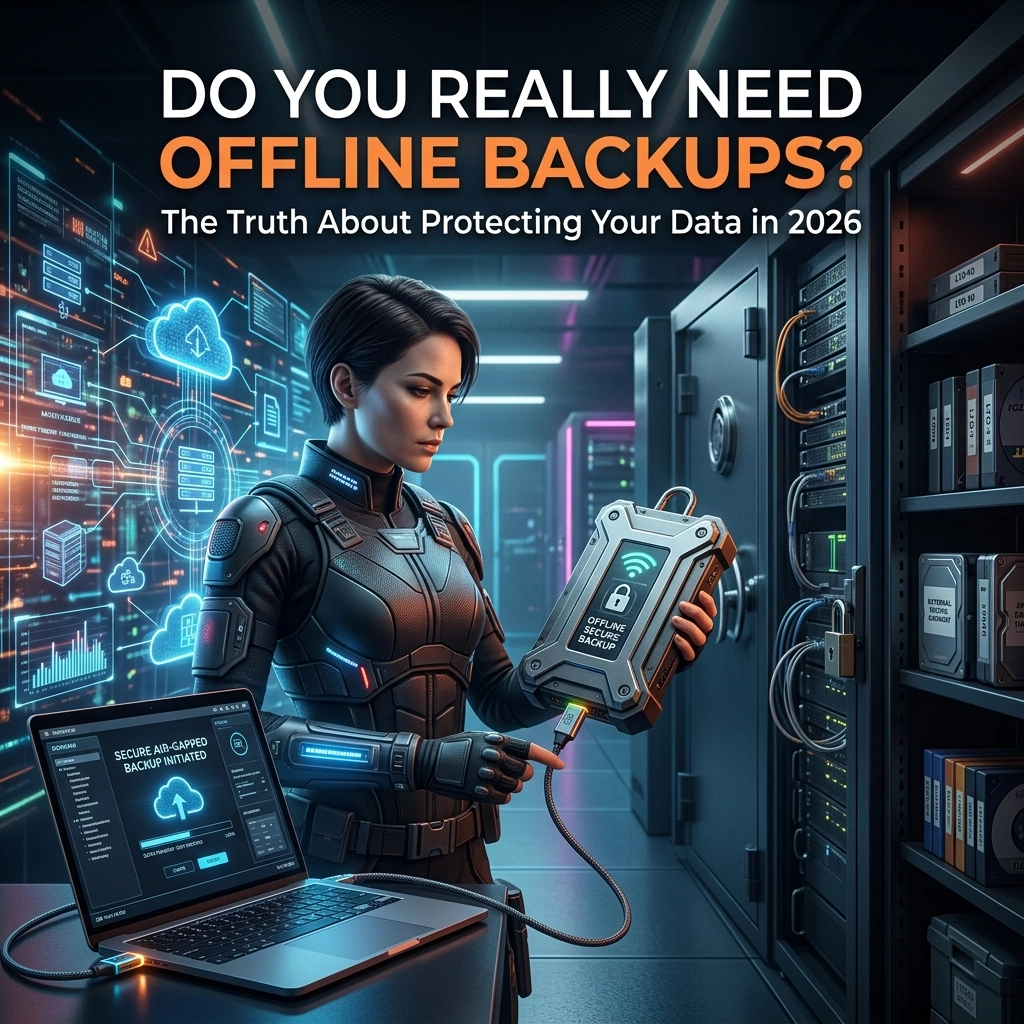
It is 2026. We live in an era where high-speed fibre, satellite internet, and ubiquitous cloud storage have become the norm. You probably have your photos syncing to your phone, your documents saved in “the cloud,” and your business operations running on remote servers. So, it is a fair question to ask: Do you really need offline backups anymore?
The short answer is: Yes, more than ever.
But the “why” has changed. In the past, we worried about floppy disks failing or a single hard drive crashing. Today, the threats are more sophisticated, and the stakes are significantly higher. If you are a business owner in the BVI, you aren’t just fighting hackers; you are managing the unique challenges of island infrastructure and global cyber-uncertainty.
At Fresh Mango Technologies BVI, we see data loss every week. Most of it was preventable. Let’s dive into why “online-only” isn’t a strategy: it’s a gamble, and how modern Managed IT Services are evolving to keep your data safe.
The Myth of the “Invincible Cloud”
There is a common misconception that if your data is “in the cloud,” it is backed up. This is one of the most dangerous assumptions you can make.
Services like Microsoft 365, Google Workspace, and Dropbox are excellent for productivity, but they are sync services, not necessarily backup services. If you accidentally delete a file, it might stay in a “trash” bin for 30 days. But what if a disgruntled employee wipes a folder and empties the bin? Or what if a sophisticated ransomware strain encrypts your local files, and those encrypted versions are immediately “synced” to the cloud, overwriting your clean data?
Why is this a problem? Because without a true “offline” or air-gapped version of your data, the cloud simply replicates your disaster in real-time.

Ransomware in 2026: The Game Has Changed
By 2026, ransomware has become incredibly “backup-aware.” Modern cyber-attacks don’t just lock your workstation; they spend days or weeks silently moving through your network. Their first goal? To find and delete your backups.
If your backup system is constantly connected to your network with the same administrator credentials, the ransomware will find it. This is where the concept of “offline” backups, or more accurately, immutable offshore cloud backup, becomes your last line of defence.
This is why we recommend cloud backup solutions that incorporate “Object Lock” or immutability. Once the data is written to our NeoVault solution, it cannot be changed or deleted by anyone for a set period, not even by someone with your admin password. It is effectively “offline” to the attacker.
The BVI Factor: Outages and Infrastructure
Living and working in the British Virgin Islands brings a specific set of challenges. We have all experienced the sudden “click” of the power going out or the frustration of a subsea cable issue slowing the internet to a crawl.
If your only backup is a 2TB drive sitting on your desk, what happens during a hurricane or a major flood? If your only backup is in the cloud and the island’s main internet trunk goes down for three days, how do you keep working?
The solution is a hybrid approach. We believe in the “3-2-1 Rule,” updated for 2026:
- 3 copies of your data (Production, Local Backup, Offsite Backup).
- 2 different media types (e.g., Local NAS and Cloud).
- 1 copy stored offshore (isolated from local disasters).
By using a local backup for speed and an offshore cloud backup like NeoVault for disaster recovery, you ensure that no matter what happens to the BVI power grid or physical infrastructure, your business data is sitting safely in a secure, high-tier data centre far away from the storm path.
Why Proactive IT Support Matters
Gone are the days when you could “set and forget” a backup tape. Modern data protection requires constant vigilance. This is the core of Managed IT Services.
Why does your server and network need regular checks? Because a backup that failed three weeks ago is useless when your server dies today. At Fresh Mango BVI, our approach is proactive. We don’t wait for you to call us to tell us your backup failed; our monitoring systems alert us the moment a scheduled task misses its window.

We pride ourselves on our responsiveness. Our standard SLA (Service Level Agreement) is 4 hours, but the reality is that we typically respond within minutes. In fact, 95% of our support requests are resolved within a single hour. We don’t just “fix things”; we manage your environment so they don’t break in the first place.
Introducing NeoVault: Your Safety Net
We developed NeoVault specifically to address the needs of businesses that require high-level security without the complexity of managing it themselves. NeoVault is our premium cloud backup solution that provides:
- Offshore Data Residency: Keeping your data safe from local BVI environmental risks.
- End-to-End Encryption: Your data is encrypted before it even leaves your building.
- Automated Monitoring: Our team handles the heavy lifting, ensuring the “handshake” between your office and the vault happens every single day.
- Rapid Recovery: If the worst happens, we have the tools to get you back up and running fast.
If you are still wondering what the best way to back up your data is, NeoVault, combined with local hardware, is the answer for 2026.
Actionable Tips for 2026 Data Protection
If you want to improve your security posture today, here is a quick checklist of “best practices”:
- Audit your “Cloud” storage: Are you actually backing up your Microsoft 365 emails, or just assuming Microsoft does it for you? (Spoiler: They don’t provide a comprehensive backup; it’s a shared responsibility model.
- Test your restores: A backup is only as good as the restore. At least once a quarter, try to recover a random folder to ensure the data is readable.
- Check your local hardware: If you are using a server or NAS box, does it have redundant power supplies? Should you buy a server or a NAS box? That depends on your growth plans.
- Implement MFA: Multi-Factor Authentication is no longer optional. It is the single best way to prevent someone from accessing your backup credentials.

How to Get Started
We know that managing backups can feel like a full-time job, and it shouldn’t be your job. You should be focused on growing your business, not worrying about whether your data is safe from the next power surge or cyber-attack.
If you’re unsure if your current setup is up to the task, we’re here to help. Whether you need a full audit of your Managed IT Services or just want to explore getting a cloud server, the team at FM BVI has the expertise to guide you.
The easiest way to get in touch or request support is through the Fresh Mango App and Portal. It’s the fastest way to log a ticket, and for simple “how-to” questions, our AI Agent is available 24/7 to provide instant answers.
Final Thoughts
Do you need offline backups in 2026? If you value your business continuity, the answer is a resounding yes. But “offline” doesn’t mean a dusty hard drive in a drawer; it means a sophisticated, air-gapped, and professionally managed offshore solution like NeoVault.
Don’t wait for a “file not found” error to take action. Let’s make sure your data is protected, proactive, and permanent.
FM BVI: Proactive IT Support and Managed Services for the British Virgin Islands.