Microsoft 365 Security 101: A Beginner’s Guide to Mastering Passkeys and Entra

Does the word “cybersecurity” make you want to close your laptop and hide under your desk? We get it. For many small and medium business owners, keeping up with the latest tech jargon feels like a full-time job you didn’t apply for. But here is the thing: securing your business doesn’t have to be a headache.
At Fresh Mango Technologies, we believe that the best security is the kind that works in the background without getting in your way. Today, we’re breaking down two of the most important tools in your Microsoft 365 arsenal: Microsoft Entra and Passkeys.
Why should you care? Because these two tools are essentially the high-tech locks and keys to your digital office. Let’s dive in and see how they can make your workday safer and simpler.
What on Earth is Microsoft Entra?
If you use Microsoft 365 for your email, Teams, or document storage, you’re already using Entra, you just might not know it yet.
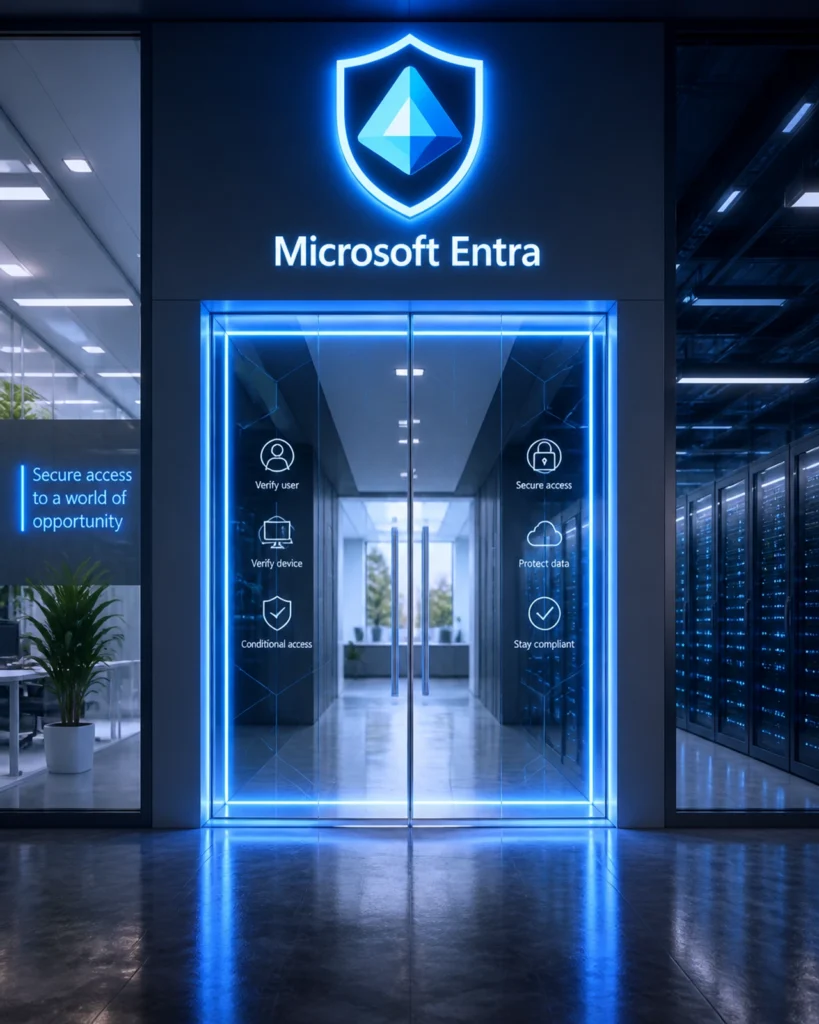
Think of Microsoft Entra ID (formerly known as Azure AD) as the “Front Door” to your business. When you or your employees try to log in to your company email or access a file on OneDrive, Entra is the security guard standing at the entrance. Its job is to check your ID and make sure you are who you say you are before letting you in.

Why is this a problem if you don’t manage it? Without a properly configured “guard,” anyone with a stolen password can walk right into your digital office and look through your files. Entra allows us to set rules, like “only let people in if they are using a company-approved laptop” or “ask for extra proof if someone is logging in from a new country.”
Meet the Passkey: Your Password’s Cooler, Stronger Sibling
We’ve all been there: you’re trying to log in, but you can’t remember if your password has an exclamation point or a dollar sign at the end. You reset it, get frustrated, and lose ten minutes of your morning.
What if you could ditch passwords entirely? That’s where Passkeys come in.
A passkey is a digital credential that is stored directly on your device, like your laptop, your phone, or a dedicated security key. Instead of typing a long string of letters and numbers, you simply use what you already have. You unlock your device with your face (FaceID), your fingerprint, or a simple PIN, and voilà!: you’re signed into Microsoft 365.

Why are Passkeys better?
- They are “Phishing-Resistant”: This is the big one. If a hacker sends you a fake login page that looks exactly like Microsoft, a passkey won’t work on it. The passkey is tied to the real Microsoft website, so it simply refuses to “talk” to the fake one.
- No More Forgotten Passwords: Since there’s nothing to type, there’s nothing to forget. This means fewer calls to the IT desk and more time actually working.
- Built-in Multi-Factor Authentication (MFA): To use a passkey, you need two things: your physical device (something you have) and your fingerprint or PIN (something you are or know). You get top-tier security in one quick step.
Why SMBs Need This Now
You might think, “I’m a small business in the BVI; hackers aren’t looking for me.” Unfortunately, that’s exactly what they want you to think. Small businesses are often seen as “easy targets” because their security might be a bit more relaxed than that of a giant corporation.
By mastering Entra and Passkeys, you aren’t just adding a lock; you’re building a fortress. This level of security is a key part of our Cyber Baseline certification, a standard we use to show that your business is following the best possible security practices. It’s about being proactive rather than waiting for something to go wrong.
How Fresh Mango Technologies Makes It Easy
Setting up advanced security might sound like a weekend project you’d rather avoid. That’s why we’re here to handle the heavy lifting for you. We don’t just “fix things when they break”: we provide proactive IT support to ensure your systems are optimised before a problem even occurs.
When you work with Fresh Mango Technologies, you aren’t just getting a technician; you’re getting a partner who treats your business like our own.
Our Commitment to You:
- Guaranteed Response Times: We have a 4-hour SLA (Service Level Agreement) for all support requests. But honestly? We usually respond within minutes.
- Fast Resolution: We pride ourselves on efficiency. In fact, 95% of our support requests are resolved within just one hour.
- The Fresh Mango App: Need help? Don’t waste time on a long phone call. Just use the Fresh Mango App and Portal to submit a ticket. It’s the fastest way to get our team on the case.
- AI Agent: For those simple, “how-do-I” questions, our AI Agent is available 24/7 to give you instant answers.

Your Next Steps to a Secure Office
Ready to stop worrying about passwords and start feeling secure? We’ve got a few “best practices” you can start thinking about today:
- Inventory Your Devices: Know who has access to your company’s Microsoft 365 environment.
- Turn on MFA: Even if you aren’t ready for passkeys yet, make sure Multi-Factor Authentication is active for everyone.
- Get Certified: Talk to us about the Cyber Baseline certification to see where your business stands.
- Ask for a Demo: We can show you exactly how Entra and Passkeys look in action.
Security doesn’t have to be scary, and it certainly shouldn’t be a chore. With the right tools and a helpful neighbour like Fresh Mango Technologies in your corner, you can focus on growing your business while we handle the “Front Door.”
We hope this advice has helped! If you’re ready to level up your security, we respectfully request that you contact us today or reach out via the Fresh Mango App. Let’s make your IT work for you, not against you.
Fresh Mango Technologies: Proactive IT Support with Guaranteed Response Times.