
- screen resolution
- weight
- cost
Laptop Buying Guide
A question we're always asked in our office is "which laptop should I buy?". Unfortunately, there is no simple answer to this as it varies depending on...
Laptop Buying Guide · British Virgin Islands
Choosing a business laptop in 2026 means matching processor, memory and storage to the work it will do, confirming it meets current security baselines such as TPM 2.0 and disk encryption, and planning for warranty support and eventual disposal from the outset — not just comparing prices.
The right laptop for a Tortola-based accountant running spreadsheets and Microsoft Teams calls is not the right laptop for a graphic designer or a field engineer working offline in Virgin Gorda — sizing the machine to the job avoids both overspending and frustrating slowdowns.
Processor and memory
For everyday office work — email, Microsoft Teams, browser-based applications, Microsoft 365 — a current-generation Intel Core i5 or AMD Ryzen 5 with 16GB of memory is now the practical minimum; 8GB struggles under modern Windows and browser workloads with several tabs and applications open at once. Staff doing design, engineering, video or heavy data work should move up to an i7/Ryzen 7 or better with 32GB.
SSD sizing, battery and display
- 512GB SSD is a sensible baseline for most business use; 256GB is workable only for staff who keep files in SharePoint or OneDrive rather than locally.
- Battery life claims are measured under light use — expect real-world business use, especially video calls, to run at 60-70% of the advertised figure, so buy above your actual daily requirement.
- A matte 1080p or higher display of at least 14 inches reduces eye strain for staff on video calls most of the day; glossy screens are harder to read outdoors or under bright office lighting.
Windows versus Apple, business versus consumer
Windows laptops remain the practical default for businesses standardised on Microsoft 365, Active Directory or Microsoft Intune device management, and for compatibility with line-of-business and accounting software common in the British Virgin Islands. Apple devices integrate well with Microsoft 365 and Microsoft Teams and suit design-focused teams, but should be budgeted with the same management tooling in mind.
Business-line models (Dell Latitude/Precision, Lenovo ThinkPad, HP EliteBook, Apple's business channel) cost more than consumer equivalents but include stronger chassis, longer parts availability, on-site or next-business-day warranty options, and consistent security features across a fleet — all of which matter more once you are buying five laptops rather than one.
Warranty and island logistics
Standard consumer warranties often require shipping a faulty unit off-island and waiting weeks for return, which is a real cost when a staff member has no working machine in the meantime. For business purchases, prioritise next-business-day or on-site warranty options and confirm with the supplier, before buying, how a hardware fault is actually handled from the British Virgin Islands — not just what the warranty document says in principle.
Security features to require
- TPM 2.0 (Trusted Platform Module) — required for Windows 11 and for BitLocker disk encryption key protection.
- Full-disk encryption enabled from first setup, not left as an optional step for the user.
- Biometric sign-in (fingerprint or Windows Hello face recognition) to reduce reliance on passwords alone.
- Compatibility with your Microsoft 365 tenant's conditional access and Microsoft Defender policies before purchase, not discovered afterwards.
Lifecycle and disposal
Plan a three-to-four-year replacement cycle for business laptops; machines kept longer accumulate slower performance, unsupported operating system versions and higher failure rates. At end of life, wipe drives using a certified secure-erase method (not simply deleting files) before resale, donation or disposal, and update the asset register the same day so retired devices cannot be mistaken for active ones.
Business versus consumer laptops
| Consideration | Business-line model | Consumer model |
|---|---|---|
| Warranty | Next-business-day or on-site options available | Standard return-to-depot, often off-island |
| Manageability | Consistent fleet configuration via Microsoft Intune | Varies model to model, harder to standardise |
| Build and parts | Longer parts availability, repairable chassis | Shorter support window, often sealed |
| Security baseline | TPM 2.0 and encryption standard across the range | Varies by model and price tier |
| Best suited to | Any business buying more than one or two devices | A single very low-use personal device |
Frequently asked questions
How much memory does a business laptop need in 2026?
16GB is the practical minimum for everyday office work involving Microsoft 365, Microsoft Teams and a browser with multiple tabs; 8GB now struggles under normal modern workloads. Staff doing design, engineering or heavy data analysis should specify 32GB. Memory is usually not upgradeable after purchase on modern thin laptops, so buy for the next three to four years, not just today.
Should a BVI business buy Windows or Apple laptops?
Windows remains the practical default for businesses standardised on Microsoft 365, Active Directory or Microsoft Intune management and using line-of-business software common in the British Virgin Islands. Apple devices work well with Microsoft 365 and suit design-led teams, but require the same device management planning to stay secure and supportable across a fleet.
Why does warranty matter more in the British Virgin Islands than elsewhere?
Standard consumer warranties often require shipping a faulty device off-island for repair, leaving a staff member without a working machine for weeks. Business warranty tiers with next-business-day or on-site service, confirmed as actually deliverable from the British Virgin Islands before purchase, avoid this gap and are worth the additional cost for any device relied on daily.
What security features should every business laptop have?
TPM 2.0 for hardware-backed key protection, full-disk encryption enabled from setup, biometric sign-in, and compatibility with your organisation's Microsoft 365 conditional access and Microsoft Defender policies. Confirming the last point before purchase avoids buying a device that cannot be enrolled into existing security management once it arrives.
How long should a business laptop last before replacement?
Plan on a three-to-four-year replacement cycle. Beyond that point, laptops typically show slower performance, higher failure rates and eventually fall outside vendor security update support, which raises risk faster than it saves money to keep them running.
Related services and guides
- Managed IT ServicesSee how device procurement and management fit into an ongoing support agreement.Read more
- Asset ManagementTrack laptops through their full lifecycle, from purchase to secure disposal.Read more
- Hardware RecommendationsQuick answers on choosing the right business hardware.Read more
- Computer SupportOngoing support and repair for the devices you buy.Read more
- The Importance of SOPs in Information TechnologySee the provisioning procedure new laptops go through before reaching a user.Read more
Practical advice, no obligation
Get impartial laptop advice before you buy
Fresh Mango helps British Virgin Islands businesses specify, source and provision business laptops that hold up to island logistics.
Explore more in Computers & Hardware
Business laptops, desktops, servers, peripherals and repairs — plus the online store.
View the Computers & Hardware hub
More in Computers & Hardware
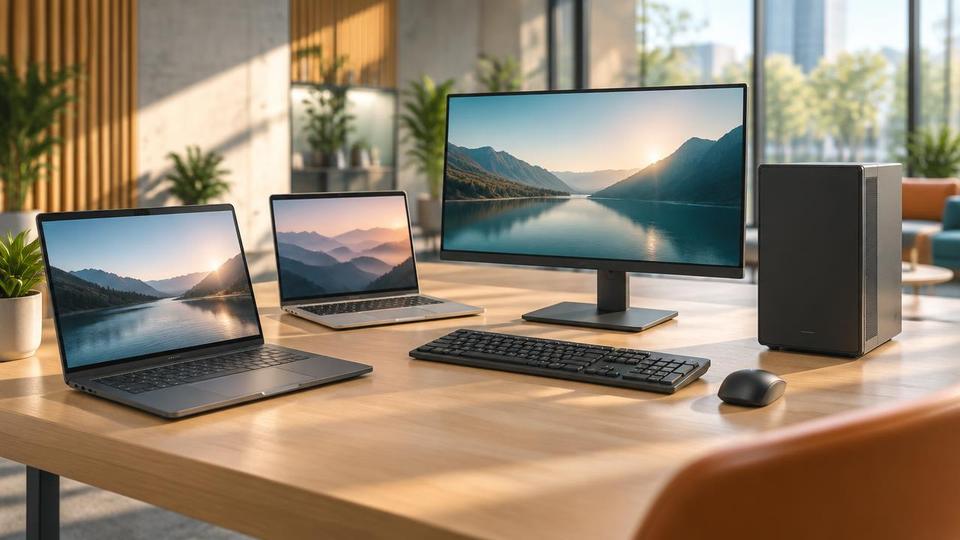 Computers & HardwarePC's and laptops for Sale from Fresh Mango BVIPCs and laptops for Sale from the BVI specialists, Fresh Mango stock, supply and install all models of PCs. Delivered and ready...Learn more
  Computers & HardwarePC Repair CentreComputer Repair centre at Fresh Mango BVI - for all your computer repair requirements. Professionally equipped lab, highly trained techsLearn more
 - Computers & HardwareIT ProductsComputer Equipment from Fresh Mango include computers, PCs, UPS, Laptops, business servers, computer peripherals...Learn more
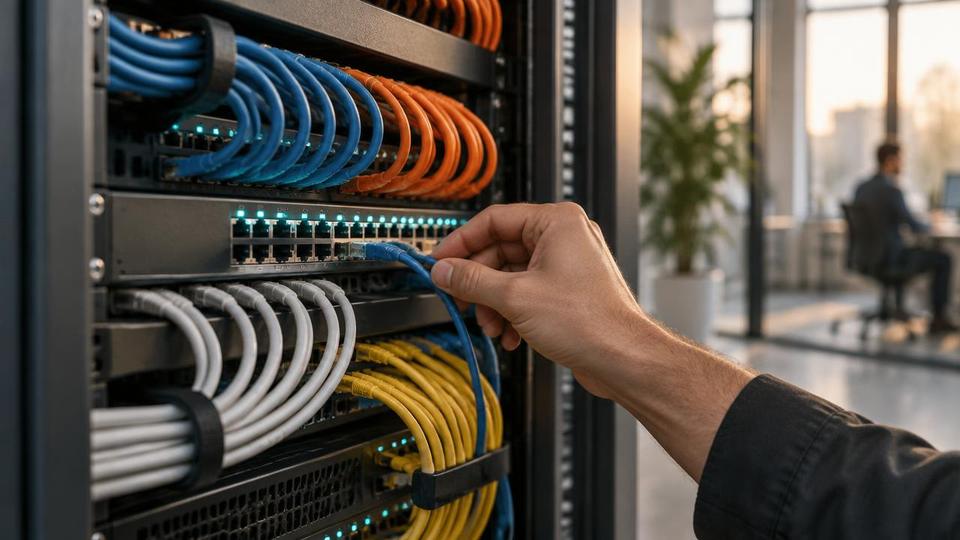 Computers & HardwareServersFresh Mango are experts in all aspects of Computer Servers. We can help you choose the best server for your business...Learn more
 - Computers & HardwareComputer PeripheralsComputer Peripherals are an integral and essential element of any workstation setup. Get yours at Fresh Mango Technologies!Learn more
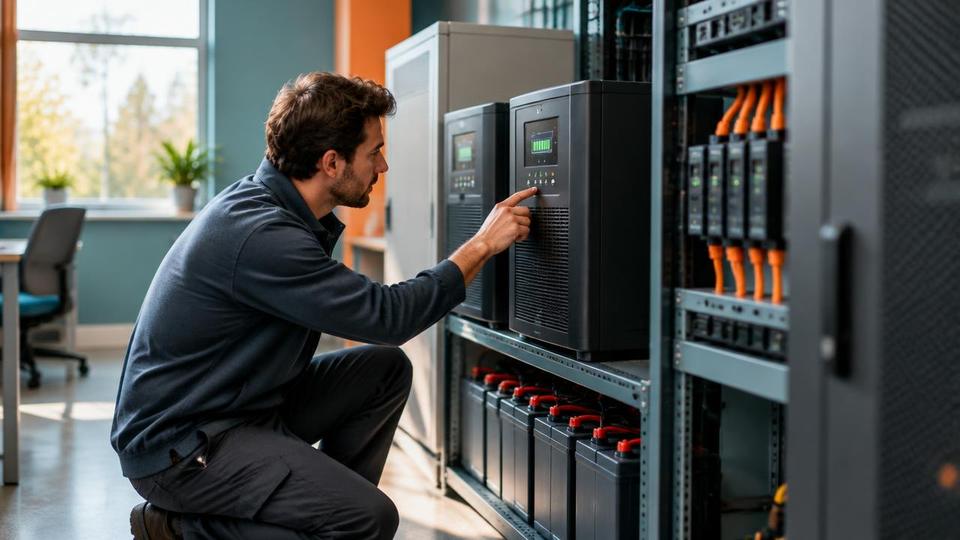 Computers & HardwarePower ProtectionBVI Power protection products are essential for your computer, laptop and server. "Dirty" power, power spikes & power...Learn more
Related resources
- GuideThe Ideal computer setup from Fresh Mango Technologies (Part 2)The ideal setup for your business IT systems. It shows best practices for small/medium businesses, with an eye on cyber security.Learn more
- GuideThe Ideal computer setup from Fresh Mango Technologies (Part 3)In this blog I will set out the ideal setup for your business IT systems. It represents current best practice for small and...Learn more
- GuideThe Ideal setup for your IT Systems (Part 1)In this blog, I will set out the ideal setup for your IT systems. It represents current best practices for small and medium-sized businesses.Learn more
 GuideUniFi WifiUniFi Wifi products are industry-leading hardware in the field of home and business Wifi. There are products to suit every Wifi requirement.Learn more
Related questions
- FAQWhat is Patching and why do I need it on my computer?Patching is another word for updating your operating systems on your server, PCs, Laptops and Macs. It even applies to your smartphone and tablets.Learn more
- FAQWhat hardware do you recommend?We have a vast range of hardware recommendations for our equally diverse range of clients. See our specific recommendations here.Learn more
- FAQShould I turn my computer off when I leave the office?We’re often asked if its best to switch your computer off every day. Our answer is ‘no’, and we recommend leaving PCs switched on. Read more on our Blog.Learn more
- FAQWhat is the ideal computer setup?I’m glad you asked! We receive this question quite a lot so decided to make a blog post about it. The Ideal computer SetupLearn more
Related reading
- Article21 Aug 2026Should You Repair or Replace Your Business Laptop? A 2026 Guide for BVI BusinessesShould you repair or replace your business laptop? Learn how BVI businesses can compare repair costs, downtime, security and replacement options.Read article
- Article13 Jan 2026Gaming ComputersChoosing a bespoke, custom-built gaming computer offers significant advantages over buying a mass-produced system.Read article
- Article16 Aug 2023Fortinet RoutersHigher-specification Fortinet Routers provide access to Next-generation firewalls. These filter network traffic to protect an organizationRead article
Not sure which Computers & Hardware option fits your business?
Contact Fresh Mango